Your first project
Sign in, create a project from a one-line brief, and see what happens next.
4 min read
1 · Sign in
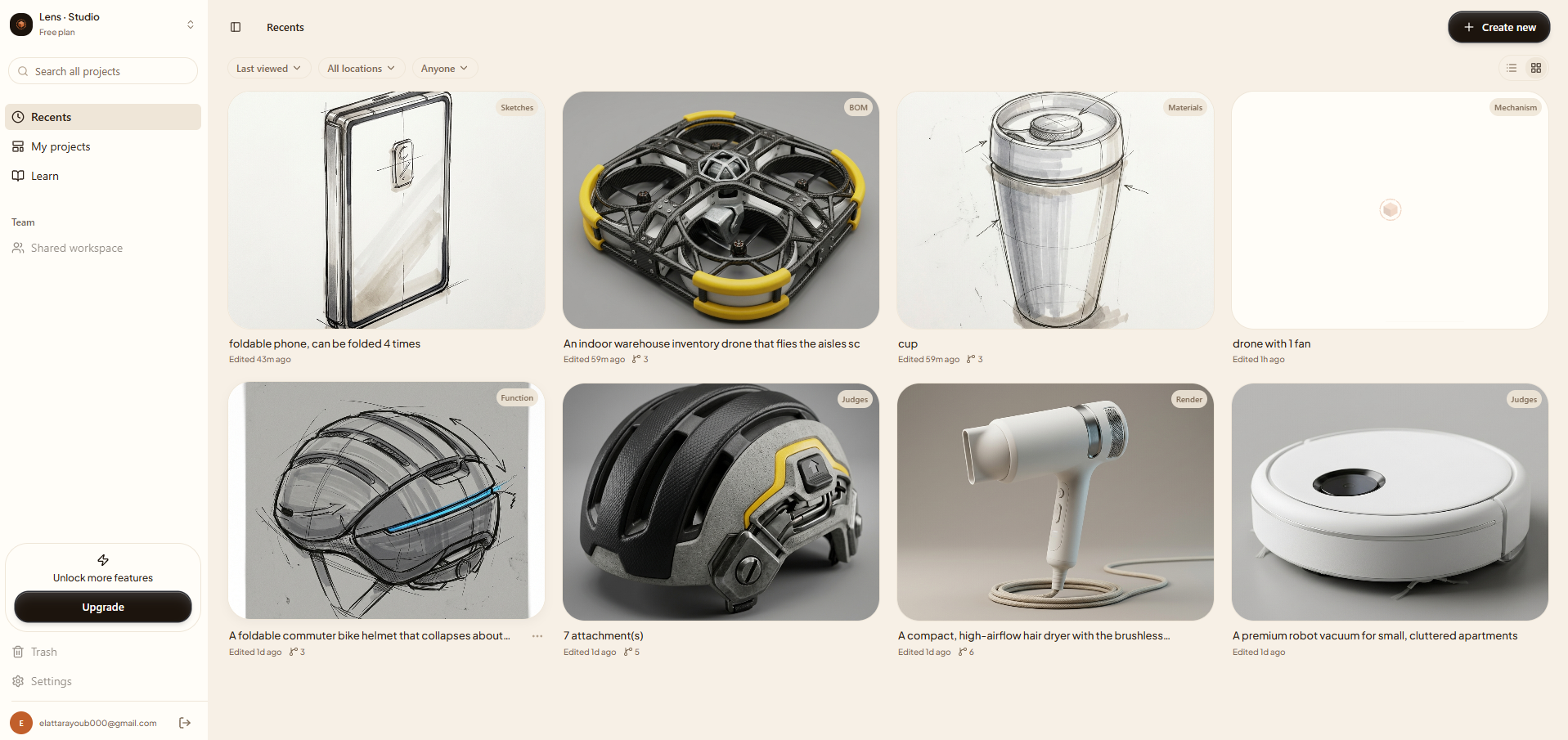
Open the studio from the landing page and sign in. Lens uses a passwordless link, no account setup, no credit card. You land on your home dashboard, which starts empty.
2 · Create a project
- 1Click Create new in the top-right of the dashboard.
- 2Describe your product in a sentence, e.g. “a foldable bike helmet that meets EN1078”. Specifics help, but you can stay loose.
- 3Add any hard constraints you already know (a price ceiling, a standard, a material). You can also leave these for the Q&A to draw out.
- 4Press start. Lens opens the studio on the first step.
3 · What happens next
Lens reads your brief and opens Context, a short, structured read of what you're making and why. From there it moves into Q&A, asking one adaptive question at a time to sharpen the brief before any 3D is built.
Want to understand the room you're working in before you start? Read Reading the studio.