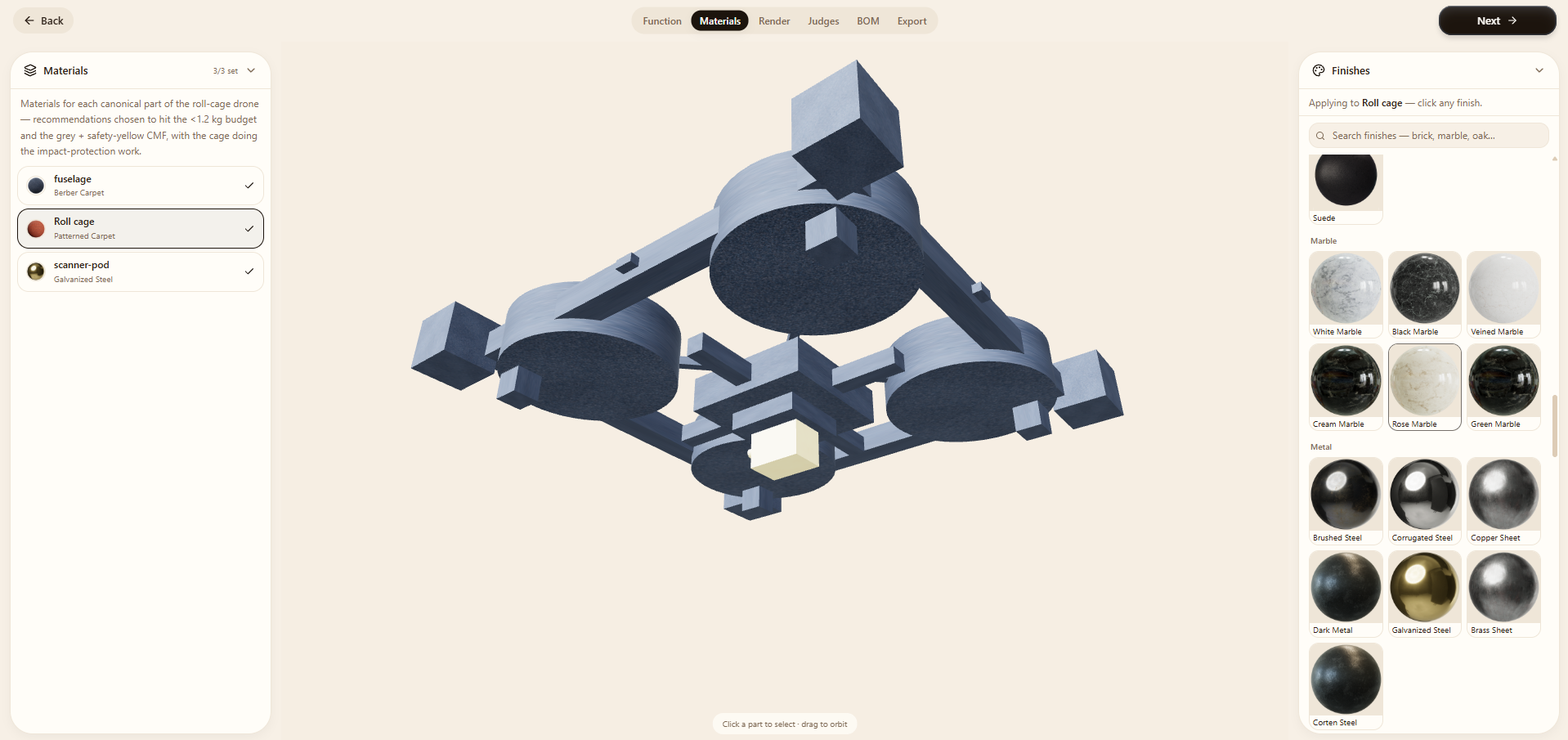
Materials
Materials and finishes applied on the model, feasibility-checked.
3 min read
What this step does
Materials applies real materials and finishes to the model itself, each one feasibility-checked against your requirements. Choices land on the actual 3D parts, so you see the CMF (colour, material, finish) on the product, not a swatch board.
What you do here
- 1Assign materials and finishes per part.
- 2Watch them paint onto the 3D model as you choose.
- 3Heed the feasibility flags: Lens warns when a finish fights the brief or the part.